
A new user buys $50 of Bitcoin on an exchange and asks the obvious question: where is my money? The app shows a balance, but there is no coin in the phone, no note in a drawer. The answer surprises most beginners. The coins are not in the app at all. They live on the blockchain, a public record anyone can read. What the user actually owns is a key — a secret that proves the coins are theirs. A blockchain wallet is the tool that holds that key, signs transactions, and shows the balance.
This guide answers what is a blockchain wallet in full: how wallets work, the difference between hot and cold, custodial and non-custodial, and how to set one up safely without losing your funds to the classic mistakes. If you are still learning the basics, read our blockchain in simple terms first, then our detailed blockchain explanation for the cryptography behind keys and signatures.

Executive Summary
- A wallet holds keys, not coins. Coins live on the blockchain. The wallet holds your private key and uses it to sign transactions.
- Hot wallets are connected to the internet. They are convenient and free, but exposed to online attacks. Use them for small, everyday amounts.
- Cold wallets are offline. Hardware wallets and paper wallets keep keys away from the internet. Use them for savings you do not touch often.
- Custodial means someone else holds your keys. An exchange holds them for you. Non-custodial means you hold them yourself — full control, full responsibility.
- Your seed phrase is your master backup. Twelve or 24 words that can restore your wallet anywhere. Anyone with those words owns your funds.
- Most losses are human, not technical. Wrong networks, shared seed phrases, fake apps, and phishing links cause far more losses than broken blockchains.
How a Blockchain Wallet Actually Works
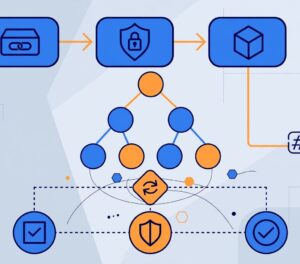
Every wallet starts with a pair of keys. The public key is turned into your address — the string you share so people can pay you. The private key is a long secret number that only you should know. When you send coins, the wallet uses your private key to create a digital signature. Nodes on the network check that signature against your public key. If it matches, the transaction is valid. The private key itself never leaves the wallet and never travels across the network.
Think of it like a mailbox. Your address is written on the outside, and anyone can drop a letter in. Your private key is the only key that opens the box. A wallet is the keyring and the post office counter in one: it shows what is in the box, lets you send letters, and keeps the key safe.
Addresses, Keys, and Seed Phrases
| Item | What it is | Share it? | If you lose it |
|---|---|---|---|
| Public address | Where people send you funds | Yes, freely | You can generate a new one |
| Private key | The secret that signs transactions | Never | You lose access to those funds |
| Seed phrase | 12 or 24 words that recreate all your keys | Never, to anyone | You lose access to the whole wallet |
| Wallet password | Locks the app on your device | Never | You can reset it with the seed phrase |
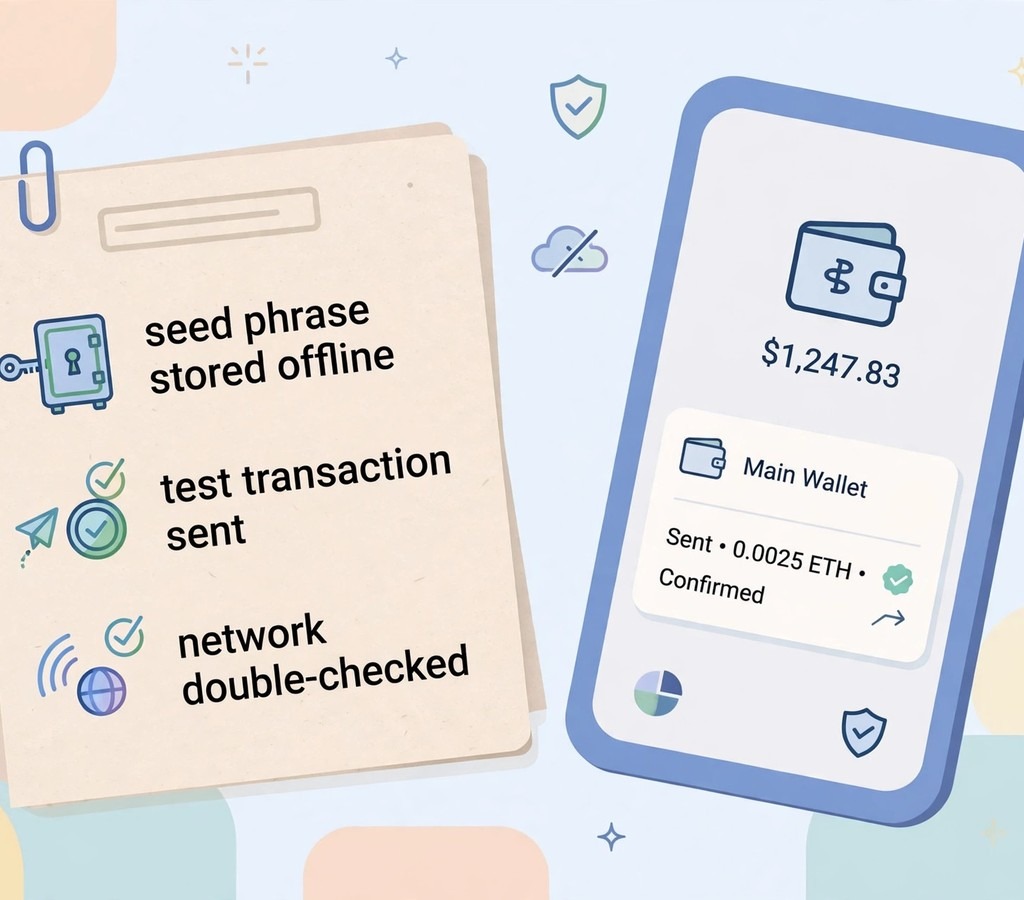
Most modern wallets use a seed phrase (also called a recovery phrase) under the BIP-39 standard. Those 12 or 24 words generate every private key in the wallet. That is why the seed phrase is the single most important thing you will ever own in crypto. Write it on paper, store it offline, in two separate safe places. Never photograph it, never type it into a website, and never read it to a “support agent” on a call. No real support team will ever ask for it.
Hot Wallets vs Cold Wallets
The first choice is about connection. A hot wallet is connected to the internet. A cold wallet is not. That one difference decides almost everything about convenience and risk.
Hot Wallets: Fast, Free, Exposed
Hot wallets live as phone apps, browser extensions, or desktop programs. MetaMask, Trust Wallet, and Phantom are hot wallets. They are free, quick to set up, and ready for daily use: swapping tokens, using apps, paying a friend. Their weakness is exposure. A phone with malware, a fake browser extension, or a phishing site can steal a hot wallet’s keys. Treat a hot wallet like the cash in your pocket — enough for the day, never your life savings.
Cold Wallets: Slow, Safe, Deliberate
Cold wallets keep keys offline. A hardware wallet such as Ledger or Trezor is a small device that signs transactions inside itself and never exposes the private key to your computer. A paper wallet is a printed key, now rarely recommended because paper burns, fades, and is hard to use safely. Cold storage is slower: every transaction needs the device, a button press, and a confirmation. That friction is the point. It stops remote thieves and stops you from making rushed mistakes.
| Feature | Hot wallet | Cold wallet |
|---|---|---|
| Internet connection | Always connected | Offline, signs on-device |
| Cost | Usually free | Hardware costs ~$49–$150 |
| Speed | Instant | Slower, needs the device |
| Main risk | Malware, phishing, fake apps | Losing the device or seed phrase |
| Best for | Daily spending, small amounts | Long-term savings |
| Example | MetaMask, Trust Wallet | Ledger Nano, Trezor |
The standard advice, and the one most experienced users follow, is to use both: a hot wallet with a small balance for daily use, and a cold wallet for the bulk of your holdings. Our crypto exchange guide explains how most people move funds between an exchange, a hot wallet, and cold storage.
Custodial vs Non-Custodial: Who Holds the Keys?
The second choice is about control. A custodial wallet means a company holds your keys. When your coins sit on Binance or Coinbase, you are using a custodial wallet. You log in with a password, the company signs transactions for you, and if you forget your password, support can help. The price is trust: the company can pause withdrawals, freeze accounts, or fail. The October 2026 incident, when Binance paused withdrawals after a security breach and later replenished about 98% of affected assets, reminded users that custodial convenience has a real cost. Our Binance proof-of-reserves article explains what happened and what the proof does and does not show.
A non-custodial wallet means you hold your own keys. MetaMask, Ledger, and Trust Wallet are non-custodial. No company can freeze your funds or block a transaction. But no company can help you either. Lose your seed phrase and your funds are gone — permanently, with no password reset. The crypto saying “not your keys, not your coins” is a warning about custodial risk, and a warning about non-custodial responsibility, at the same time.
| Question | Custodial wallet | Non-custodial wallet |
|---|---|---|
| Who holds the keys? | The company | You |
| Password recovery | Yes, through support | No — seed phrase only |
| Can withdrawals be paused? | Yes, by the company | No, by anyone |
| Main risk | Company failure or freeze | Losing your seed phrase |
| Best for | Beginners, small amounts, trading | Long-term holding, large amounts |
Types of Wallets You Will Meet
- Mobile wallets — Apps such as Trust Wallet and Coinbase Wallet. Good for daily use and scanning QR codes. Keep the phone locked and updated.
- Browser extension wallets — MetaMask and Phantom live in your browser and connect to web apps. Convenient, but the most phished wallet type. Only install from the official store page.
- Desktop wallets — Programs such as Exodus and Electrum. A middle ground: more control than a phone app, but still hot if the computer is online.
- Hardware wallets — Ledger and Trezor devices. The standard for cold storage. Buy only from the manufacturer, never second-hand, and never from a marketplace listing.
- Multi-signature wallets — Wallets that need two or more signatures to spend, such as Safe. Families, businesses, and treasuries use them so no single person can move funds alone.
- Smart contract wallets — Wallets that are programs, not just key holders. They can add spending limits, social recovery, and daily caps. Argent and Safe are examples. They are powerful, but they add contract risk.
How to Set Up a Wallet Safely: Step by Step
Step 1: Choose the Wallet Type
For a first wallet, pick a well-known non-custodial hot wallet — MetaMask for Ethereum and EVM chains, or Trust Wallet for mobile multi-chain use. For savings above an amount you would be upset to lose, order a hardware wallet from the manufacturer at the same time.
Step 2: Download Only From the Official Source
Fake wallet apps are one of the most common scams in crypto. Search results and ads can lead to copies. Go to the wallet’s official website by typing the address yourself, or use the link from a source you already trust. Check the developer name, the download count, and the reviews. Never install a wallet from a link in a message, an email, or a social media comment.
Step 3: Write Down the Seed Phrase — On Paper, Offline
When the wallet shows your 12 or 24 words, write them on paper, in order, with a pen. Do it in a private room, with no camera, no screenshot, and no one watching. Store the paper somewhere safe — a locked drawer, a safe, a second location for a copy. Some users stamp the words into metal plates for fire and water resistance. Do not store the phrase in a notes app, an email draft, or a cloud drive. Cloud accounts get hacked. Paper in a drawer does not, unless someone is physically in your home.
Step 4: Send a Small Test Transaction First
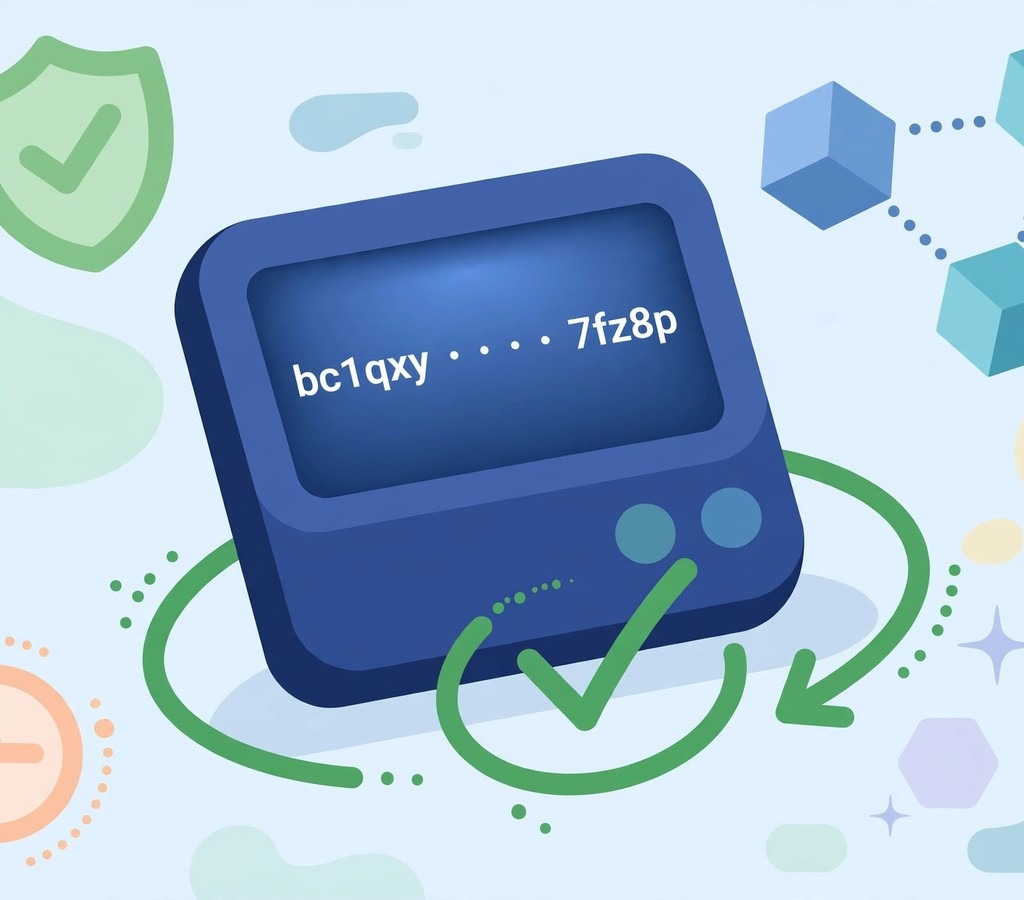
Before you move a large amount, send a tiny amount — the equivalent of a few dollars — to the new wallet. Confirm it arrives. Then send a tiny amount back. This tests the address, the network, and your understanding, all at once. Only after the test succeeds should you move the full amount. This one habit prevents the most expensive beginner mistake: sending a large sum to the wrong network or the wrong address.
Step 5: Check the Network Every Time
The same token can exist on many networks. USDT on Ethereum is not the same as USDT on Tron or BNB Chain, even though the name is identical. Always match the network the sender used. Our EVM guide explains why one address works on many networks — and why that makes network checks essential.
Costs: What Wallets Actually Charge
| Cost | Typical amount | Who charges it |
|---|---|---|
| Wallet app | Free for most hot wallets | Nobody — the app is free |
| Hardware wallet | ~$49–$150 one-off | The manufacturer |
| Network fee (gas) | Varies by chain and hour | The network, paid to validators/miners |
| Exchange withdrawal fee | Fixed per coin, varies by exchange | The exchange |
| Swap fee | ~0.3% on decentralised exchanges | The protocol and liquidity providers |
The wallet itself rarely charges you. The network does. Ethereum gas fees rise when the network is busy. Bitcoin fees rise when many people transact at once. Solana and BNB Chain are usually cheaper. Check the fee before you confirm, and avoid transacting during obvious peaks if the transfer is not urgent.
Case Studies: Wallet Lessons Paid For in Real Money
Case Study 1: The Seed Phrase Photo That Cost $40,000
Problem: A user photographed his seed phrase and saved it to a cloud photo account. Strategy: None — he treated the photo as a backup. Execution: His cloud account was compromised in a separate data breach, and the attacker searched his photos for seed phrases. Results: His wallet was drained within hours, before he noticed. Lesson: A seed phrase in the cloud is a seed phrase in public. Paper, offline, in two places. Nothing else.
Case Study 2: The Test Transaction That Saved $5,000
Problem: A freelancer was paid $5,000 in USDT and needed to move it to a new wallet. Strategy: She sent $5 first as a test. Execution: The $5 never arrived — she had selected the wrong network. Results: She lost $5, corrected the network, and the remaining $4,995 arrived safely. Lesson: A $5 test is the cheapest insurance in crypto. Never skip it on a new address or a new network.
Case Study 3: The Hardware Wallet That Survived a Hacked Computer
Problem: A trader’s computer was infected with malware that watched his clipboard and replaced wallet addresses with the attacker’s address. Strategy: His savings were on a Ledger hardware wallet, which shows the real address on its own screen. Execution: He checked the device screen before confirming, saw the address did not match, and stopped. Results: His savings stayed safe. His hot wallet, used for small trades, lost a small amount before he noticed. Lesson: A hardware wallet’s screen is the last line of defence. Always verify the address on the device, not on the computer.
Case Study 4: The Family Multi-Signature Wallet
Problem: A small business held its crypto in one person’s wallet, and the team worried about a single point of failure. Strategy: They moved funds to a Safe multi-signature wallet requiring two of three signatures. Execution: Each partner held one key on a separate hardware wallet. Results: No single lost device or compromised key could move funds, and payments still went through with two approvals. Lesson: For shared money, shared control is not a luxury. It is the design.
Tools and Resources Compared
| Wallet | Type | Pros | Cons | Pricing | Best for |
|---|---|---|---|---|---|
| MetaMask | Hot, non-custodial | Works with most dApps | Phishing target | Free | Ethereum and EVM chains |
| Trust Wallet | Hot, non-custodial | Many chains, easy mobile use | Hot wallet risk | Free | Mobile beginners |
| Phantom | Hot, non-custodial | Best Solana experience | Mostly Solana-focused | Free | Solana users |
| Ledger Nano S Plus | Cold, hardware | Keys stay offline | Small screen, costs money | ~$79 | Long-term holding |
| Trezor Model One | Cold, hardware | Open source, simple | Older design | ~$49 | Budget cold storage |
| Coinbase Wallet | Hot, non-custodial | Easy, good design | Hot wallet risk | Free | Coinbase users |
| Exodus | Hot, desktop/mobile | Clean design, built-in swap | Closed source parts | Free | Desktop users |
| Electrum | Hot, desktop | Light, Bitcoin-focused | Bitcoin only, dated design | Free | Bitcoin purists |
| Safe | Multi-signature | Shared control | Setup takes time | Free, plus gas | Teams and treasuries |
| Argent | Smart contract | Social recovery | Ethereum only | Free | Recovery without paper |
Security Checklist: Before You Hold Real Money
- Seed phrase written on paper, stored offline, in two places. Never in a photo, email, or cloud file.
- Wallet downloaded only from the official website or store page. Developer name checked.
- Two-factor authentication on every exchange account, using an authenticator app — not SMS, which can be SIM-swapped.
- Test transaction sent and received before any large transfer.
- Network checked on every send. Address checked character by character, or by scanning a QR code.
- Hardware wallet ordered from the manufacturer, never second-hand, and its screen checked on every transaction.
- Bookmarks used for exchanges and wallets, instead of search results or links in messages.
- A separate email address for crypto accounts, with a strong, unique password.
Common Mistakes and How to Avoid Them
- Sending to the wrong network. Match the network every time. A test transaction catches this for a few dollars.
- Trusting a support agent who asks for your seed phrase. Real support never asks. Anyone who asks is a scammer, whatever their profile says.
- Keeping everything on one exchange. Exchanges are convenient, not vaults. Move long-term holdings to a wallet you control. The Galaxy accumulation analysis and the October market review both show how quickly sentiment and prices turn — custody is the part you can control.
- Using the same password everywhere. One breach then opens every account. Use a password manager and a unique password per service.
- Forgetting the wallet exists. Wallets do not remind you. Keep a secure, offline record of which wallets you own, on which chains, with no seed phrases in that record.
Frequently Asked Questions
1. What is a blockchain wallet?
A tool that holds your private keys, signs transactions, and shows your balances. The coins themselves live on the blockchain, not in the wallet.
2. Is a blockchain wallet free?
Most hot wallets are free. Hardware wallets cost money. Network fees apply when you send or swap, but the wallet app itself usually charges nothing.
3. What happens if I lose my phone with my wallet on it?
Nothing, if you kept your seed phrase. Install the same wallet on a new device, enter the 12 or 24 words, and your funds return. Without the seed phrase, the funds are lost.
4. Can someone steal my crypto if they know my wallet address?
No. Your address is public by design. Only your private key or seed phrase can move funds. Never share those.
5. Hot wallet or cold wallet — which should I choose?
Both, for different amounts. A hot wallet for small, everyday use. A cold wallet for savings you do not touch often. That split is the standard practice.
6. What is the difference between a wallet and an exchange?
An exchange is a company where you buy and sell crypto, and it holds your keys while your funds sit there. A non-custodial wallet is a tool you control yourself. Many people buy on an exchange and then move funds to their own wallet.
7. Can I have more than one wallet?
Yes. Most experienced users have several: one hot wallet for daily use, one cold wallet for savings, and sometimes a separate wallet for each chain or purpose.
8. What is a seed phrase, and why 12 or 24 words?
A seed phrase is a human-readable backup of your wallet’s master key. Twelve words give 128 bits of security, 24 words give 256 bits. Either is enough if kept offline and private.
9. Are blockchain wallets anonymous?
No. They are pseudonymous. Your address has no name on it, but every transaction is public. Once an address is linked to you, your history is visible.
10. What should I do if I think my wallet is compromised?
Stop immediately. Create a new wallet on a clean device, write down its new seed phrase, and move your funds there — starting with a test transaction. Then investigate how the old wallet was exposed, and never reuse its seed phrase.
Keep going with our Bitcoin November outlook, our Ethereum November analysis, our Bitcoin after the US midterms, our Galaxy accumulation case, and our history of crypto cycles. For authoritative background, see the Bitcoin getting-started guide and Ethereum wallets documentation.
Conclusion
A blockchain wallet is simpler than it sounds and more serious than it looks. It holds keys, not coins. It signs, it does not store. The choices that matter are few: hot or cold, custodial or non-custodial, and — above all — where your seed phrase lives. Get those right, practise with small amounts, and the rest is routine.
Your next step is concrete: set up a non-custodial wallet today, write the seed phrase on paper, and send yourself a tiny test transaction. Then, when you are ready to hold more, add a hardware wallet for the savings. If you want to understand the networks your wallet connects to, our how blockchain works guide and our framework for evaluating any coin are the natural next reads.
Before you send your next transaction, what will you check first — the address, the network, or the fee — and which of those three have you ever skipped?