




Introduction
Imagine opening your crypto wallet only to discover that your device has failed. You remember creating a backup, but you cannot find it. This situation has happened to many cryptocurrency users. A missing or exposed private key can mean permanent loss of digital assets.
A blockchain private key QR code offers a simple way to store and transfer private keys. Instead of typing a long string of characters, users can scan a QR code to import a wallet or recover access. This method reduces typing errors and speeds up wallet setup. However, it also introduces important security considerations that every crypto owner should understand.
As cryptocurrency adoption grows, secure key management becomes more important than ever. Whether you hold Bitcoin, Ethereum, or other digital assets, understanding QR code backups can help protect your investments.
This guide explains what a blockchain private key QR code is, how it works, its benefits, risks, best practices, and the tools you can use safely.

Executive Summary
A blockchain private key QR code is a machine-readable representation of a cryptocurrency private key. It allows users to scan rather than manually enter the key during wallet recovery or migration.
In this guide, you will learn:
- What a blockchain private key QR code is.
- How QR codes store private keys securely.
- Benefits and drawbacks.
- How to create and scan QR codes safely.
- Common mistakes to avoid.
- Popular wallet tools and hardware devices.
- Security best practices for long-term storage.
By the end of this article, you will have a clear understanding of how to use QR codes without putting your cryptocurrency at unnecessary risk.
What Is a Blockchain Private Key QR Code?
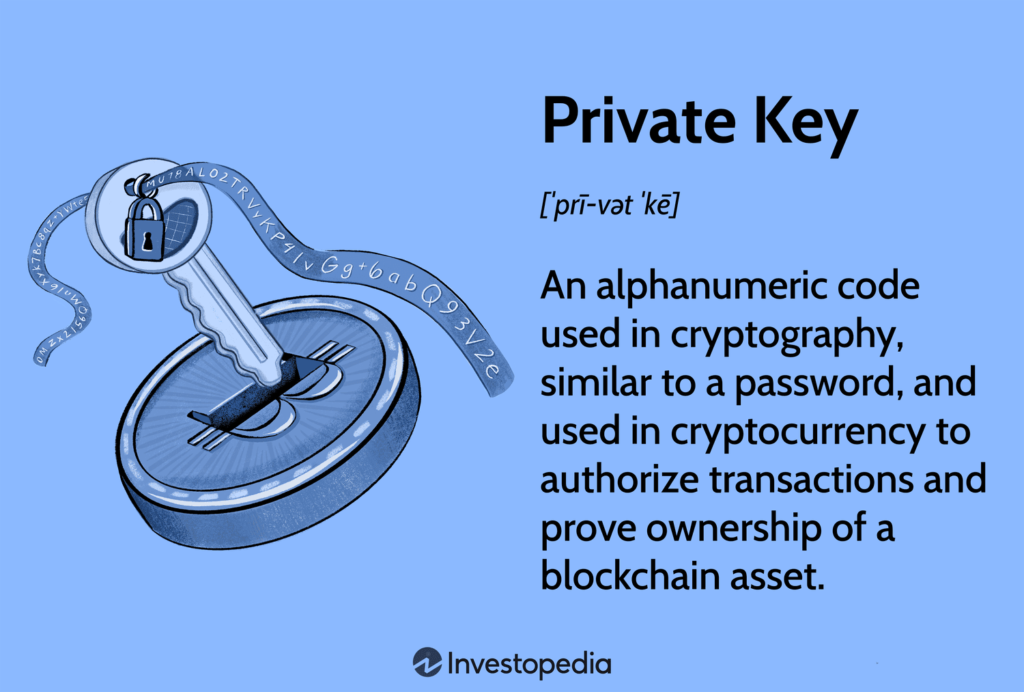
A private key is a secret cryptographic code that gives you complete control over your cryptocurrency wallet. Anyone who has this key can access and transfer your funds.
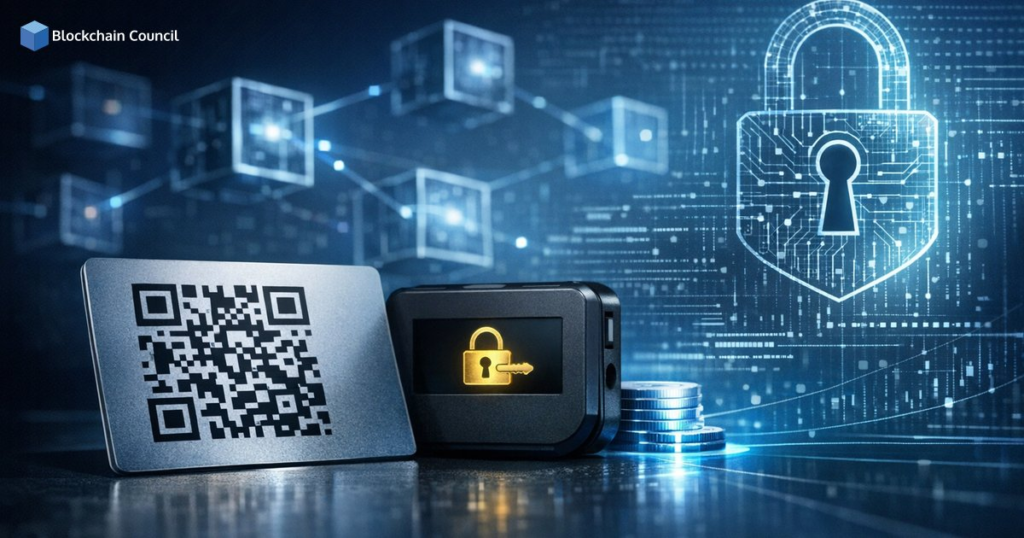
A blockchain private key QR code converts that long private key into a scannable image. Instead of typing dozens of random characters, you simply scan the code using a compatible wallet.
Think of it as a digital shortcut. The QR code contains the same information as the text-based private key, but it is easier to scan and less prone to typing errors.
How Does It Work?
The process is straightforward.
- A wallet generates a private key.
- The software converts the key into a QR code.
- The QR code is printed or stored securely.
- A compatible wallet scans the QR code.
- The wallet imports the private key and restores access.
The QR code itself does not add security. It simply changes the way the private key is stored and shared.

Why Use a QR Code for Private Keys?
Easier Wallet Recovery
Typing a private key manually can be frustrating.
Scanning a QR code takes only a few seconds.
Fewer Human Errors
Long hexadecimal strings are easy to mistype.
QR codes eliminate most manual entry mistakes.
Faster Wallet Migration
Moving your wallet to another trusted device becomes much easier.
Better Offline Storage
Many users print QR codes and store them inside secure safes or safety deposit boxes.

Benefits of Blockchain Private Key QR Codes
| Benefit | Description |
| Faster Access | Scan instead of typing long keys |
| Reduced Errors | Eliminates typing mistakes |
| Easy Backup | Convenient paper wallet storage |
| Offline Security | Can be stored completely offline |
| Universal Support | Compatible with many crypto wallets |
Potential Risks
Although QR codes are convenient, they also create risks.
Anyone Can Scan Them
If someone gains access to the QR code, they may gain access to your wallet.
Printing Risks
Printed copies can be stolen, damaged, or photographed without your knowledge.
Malware
Some malicious software replaces QR codes with attacker-controlled addresses.
Poor Storage
Leaving QR codes on cloud storage or unsecured devices increases the risk of theft.
Best Security Practices
Follow these recommendations to keep your crypto safe.
Store Offline
Avoid keeping QR codes in email, cloud drives, or messaging apps.
Encrypt Digital Backups
If you store digital copies, encrypt them with a strong password.
Use Hardware Wallets
Hardware wallets keep private keys offline and reduce exposure.
Never Share Your QR Code
Treat it exactly like your banking password.
Create Multiple Backups
Store copies in separate secure locations to protect against fire or theft.
Popular Wallets That Support QR Codes
| Wallet | Best For | Pros | Cons |
| Ledger | Long-term storage | Excellent security | Hardware purchase required |
| Trezor | Beginners | Open-source firmware | Slight learning curve |
| Trust Wallet | Mobile users | Easy interface | Mobile security depends on device |
| MetaMask | Ethereum users | Wide ecosystem support | Browser security matters |
| Electrum | Bitcoin | Lightweight and fast | Advanced settings may confuse beginners |
| BlueWallet | Bitcoin mobile | User-friendly | Bitcoin only |
Common Mistakes to Avoid
Many users lose cryptocurrency because of simple mistakes.
Avoid these common errors:
- Saving QR codes in cloud storage.
- Sending QR codes through email.
- Taking screenshots without encryption.
- Printing low-quality QR codes.
- Leaving paper backups exposed.
- Failing to test wallet recovery.
Final Thoughts
A blockchain private key QR code can simplify wallet recovery and reduce manual errors, but it is only as secure as the way you store it. A QR code is simply another representation of your private key. If someone can scan it, they can potentially control your funds.
The safest approach is to combine QR code backups with strong security habits, such as offline storage, hardware wallets, encrypted backups, and multiple recovery copies stored in secure locations.
As cryptocurrency continues to evolve, effective private key management will remain one of the most important skills every investor should learn. Protect your private keys today, and you’ll greatly reduce the risk of losing access to your digital assets tomorrow.